How to map my research paper to my research profile
Introduction
We have come up with an intra-Amrita web-based portal that helps you to showcase your publications,
the significance of research within the academic community, track the impact of work and visibility of the work. Here each
paper publication is streamlined through a pipeline to track them more precisely. This helps the research
committee to keep track of each ongoing research work under their institution.
Here in this document, we will look at how to map the papers to your research profile.
Getting Started:
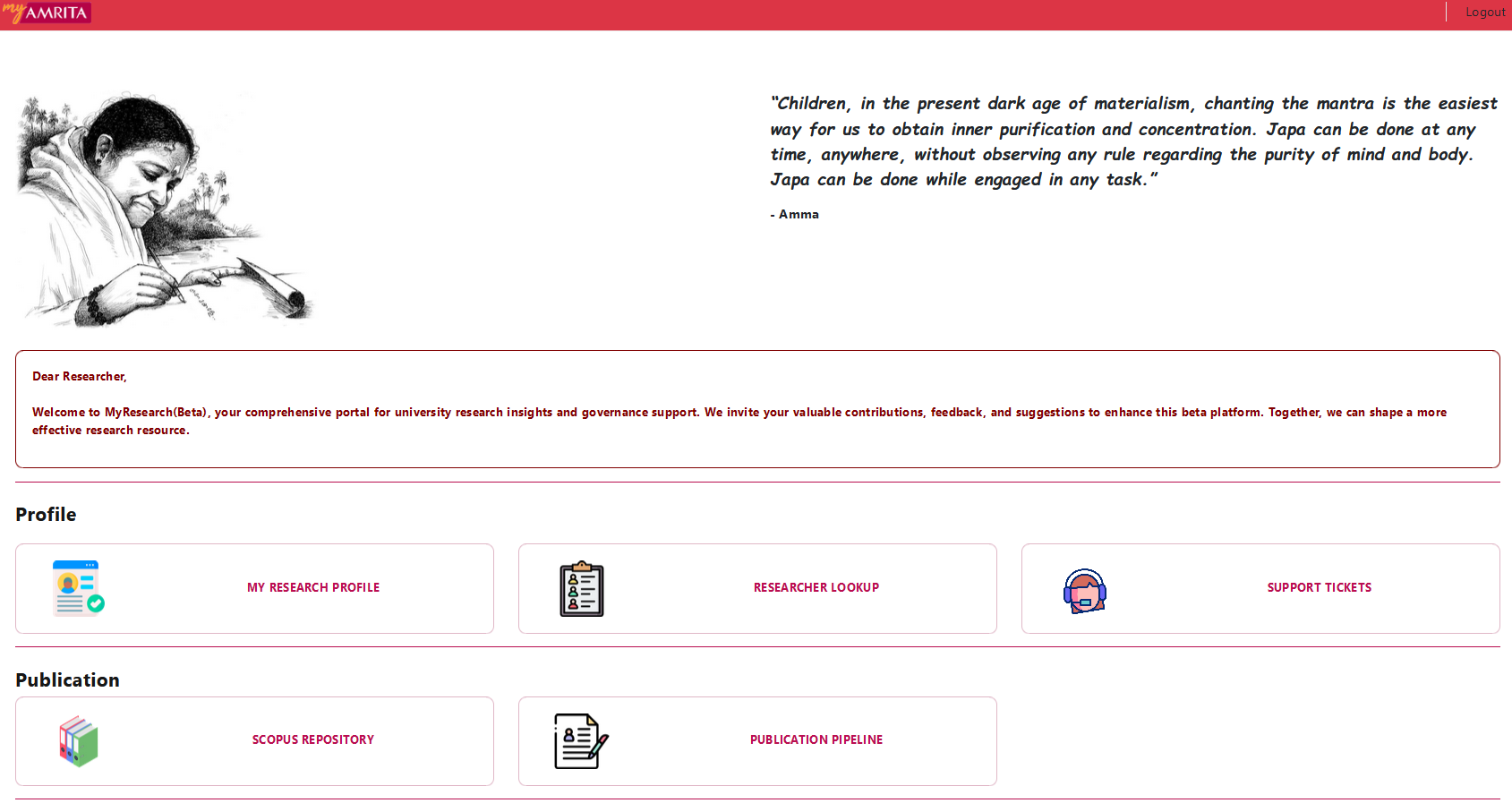
- Browse and login to the https://myresearch.amrita.edu/app/home
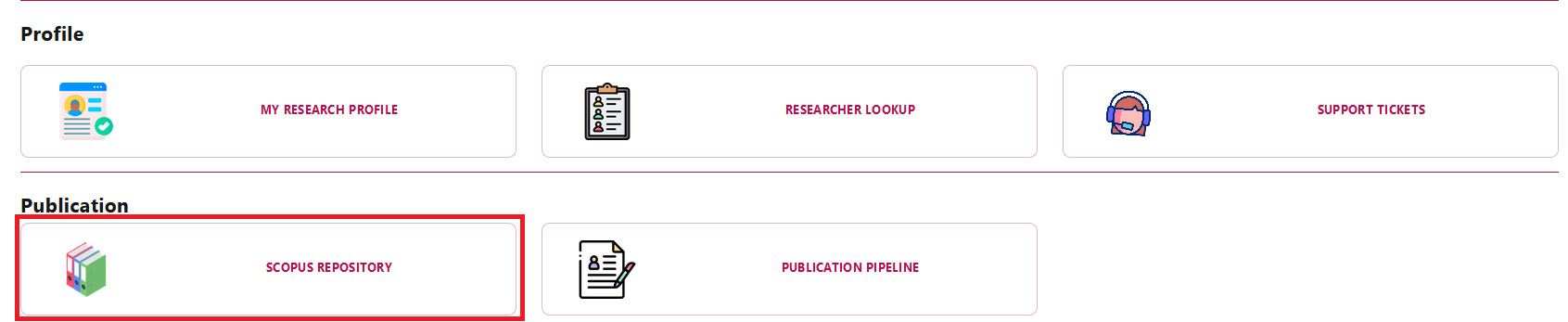
- Click on the Scopus repository tile in the home page.
- Search the Article with the title of your paper.
- Open the Article, get the Authors ID corresponding to your name.
- Go to My Research Profile page from home.
- Click the Edit button next to the scopus.
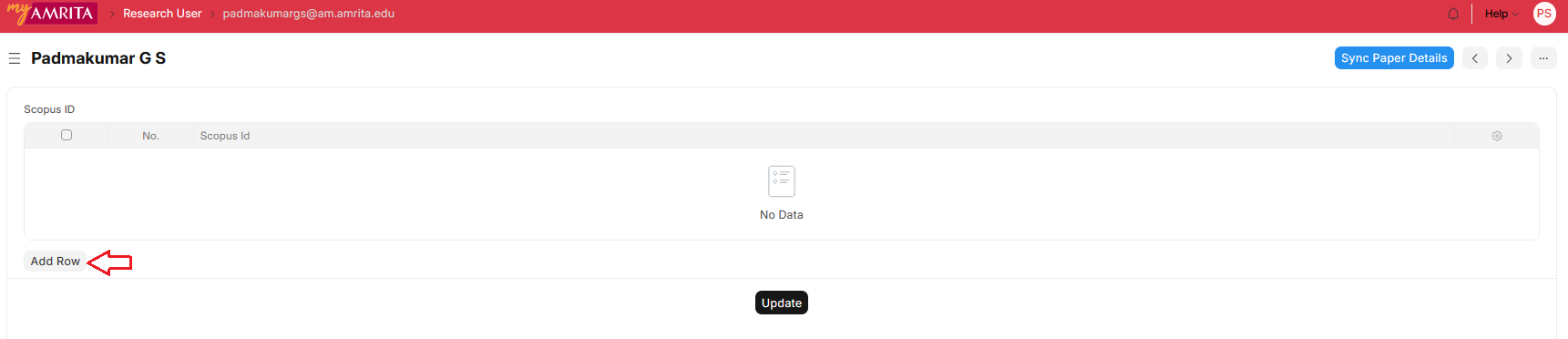
- Click on the Add row button.
- Add the copied Author ID, click the Update button, and the Sync Paper Details button.
- Mapped papers should be listed under the publications section in My Research Profile page.
Note: If you know your Scopus ID, then go to step 5.