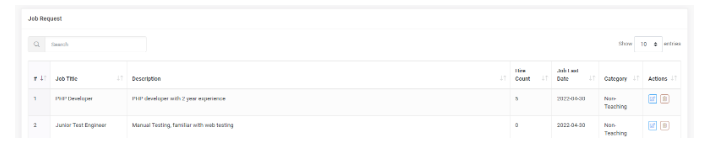
How do the admin create a new Job in the portal _ v01
Introduction:
Amrita Job portal is a new career guidance portal which helps job seekers to find their career at Amrita. The Job seekers can avail job by registering themselves in to this portal, search and apply for different jobs which matches their profile. Here in this document we will look how the admin creates / add a new job in the portal for the job seekers to apply.
Getting Started:
Open an internet browser (Recommended to use Google Chrome)
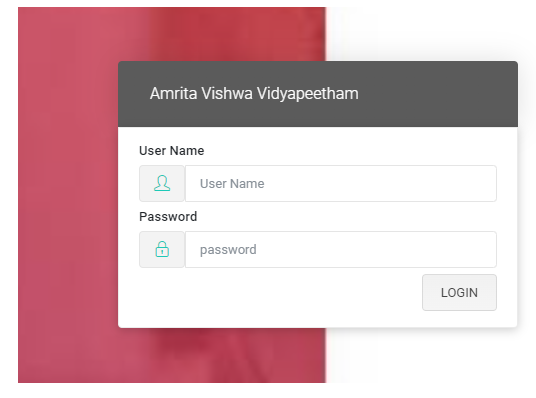
Type https://jobs.amrita.edu/admin-login and click enter
Login with your amrita email id and password.
Click Login.
New Job Creation:
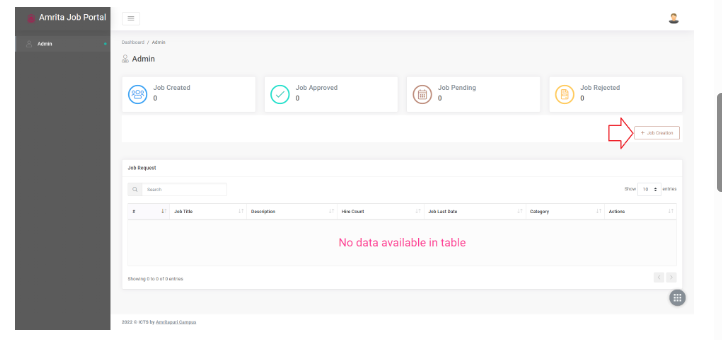
Once you login, you will be landed to the admin dashboard page.
Click on the Job Creation button at the right side of the page.
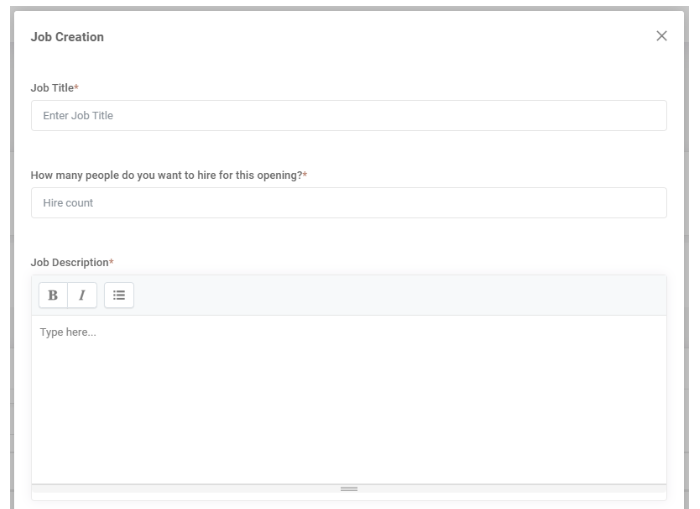
Job Creation window will be opened.
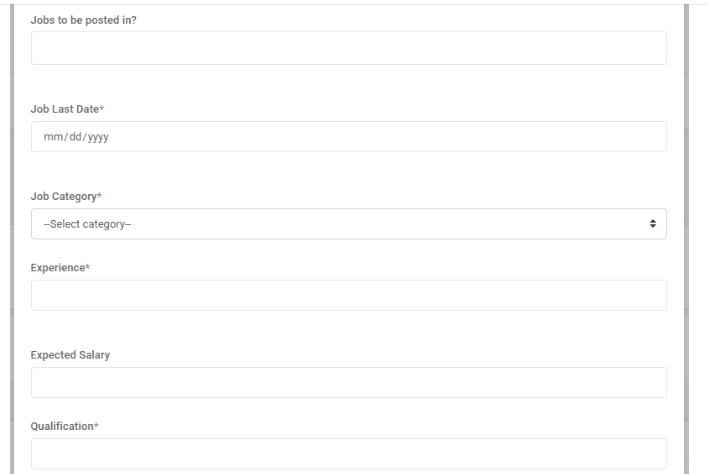
Fill the following details
Enter a job title
Add the number of people you want to hire for this opening
Add job description
Where the jobs to be posted other than Amrita job portal ?
Last date till the job can be applied
Select category of the job
Experience required for the job
Approximate Salary package range
Minimum qualificatoin required for the job
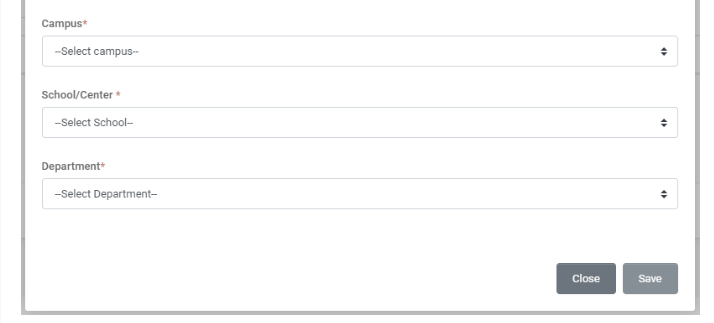
Select the Campus, School and Department from the drop down under which the Job will be created.
Click Save button
Created Job will be listed in the Job request list in dashboard for the approval from dean.