Candidate - New Account registration
Introduction:
Amrita Job portal is a new career guidance portal which helps job seekers to find their career at Amrita. The Job seekers can avail job by registering themselves in to this portal, search and apply for different jobs which matches their profile. Here in this document we will look how a candidate can create a new account in the Amrita Career Portal.
Getting Started:
Open an internet browser (Recommended to use Google Chrome)
Type https://careers.amrita.edu/admin-login and click enter
Registration / Create a new account
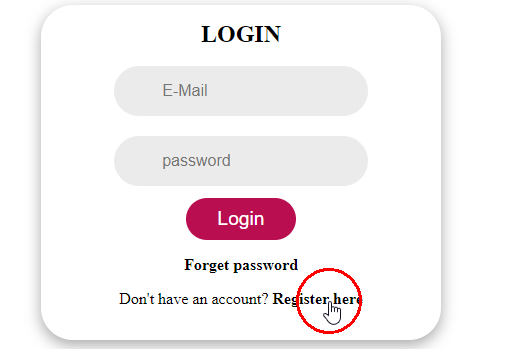
Click Register here in the login screen
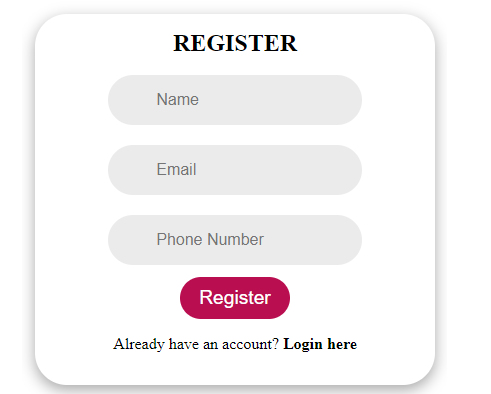
Register page opens.
Fill Your name, Email ID, and Phone number.
Click Register button.
You will receive a verification email to the registered email id.
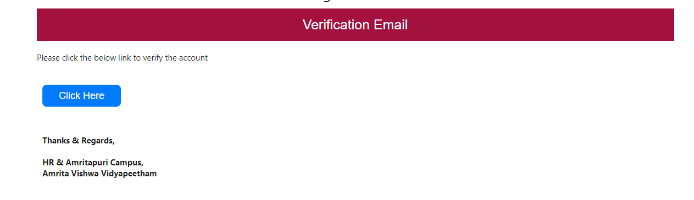
Click on the "Click Here" button to verify your account.
A new page to set password will open. Set new password and click Submit button.
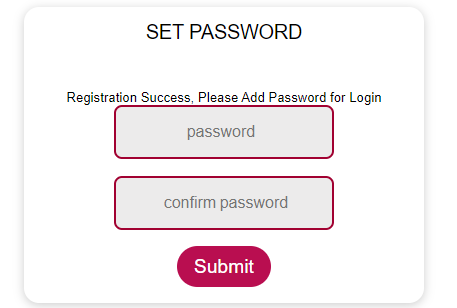
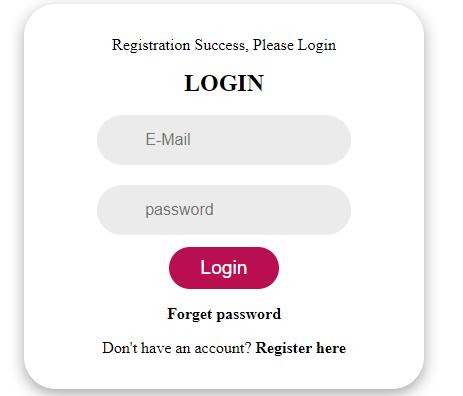
You will be redirected to the login page after successful registration. You can login with the registered Email ID and Password.